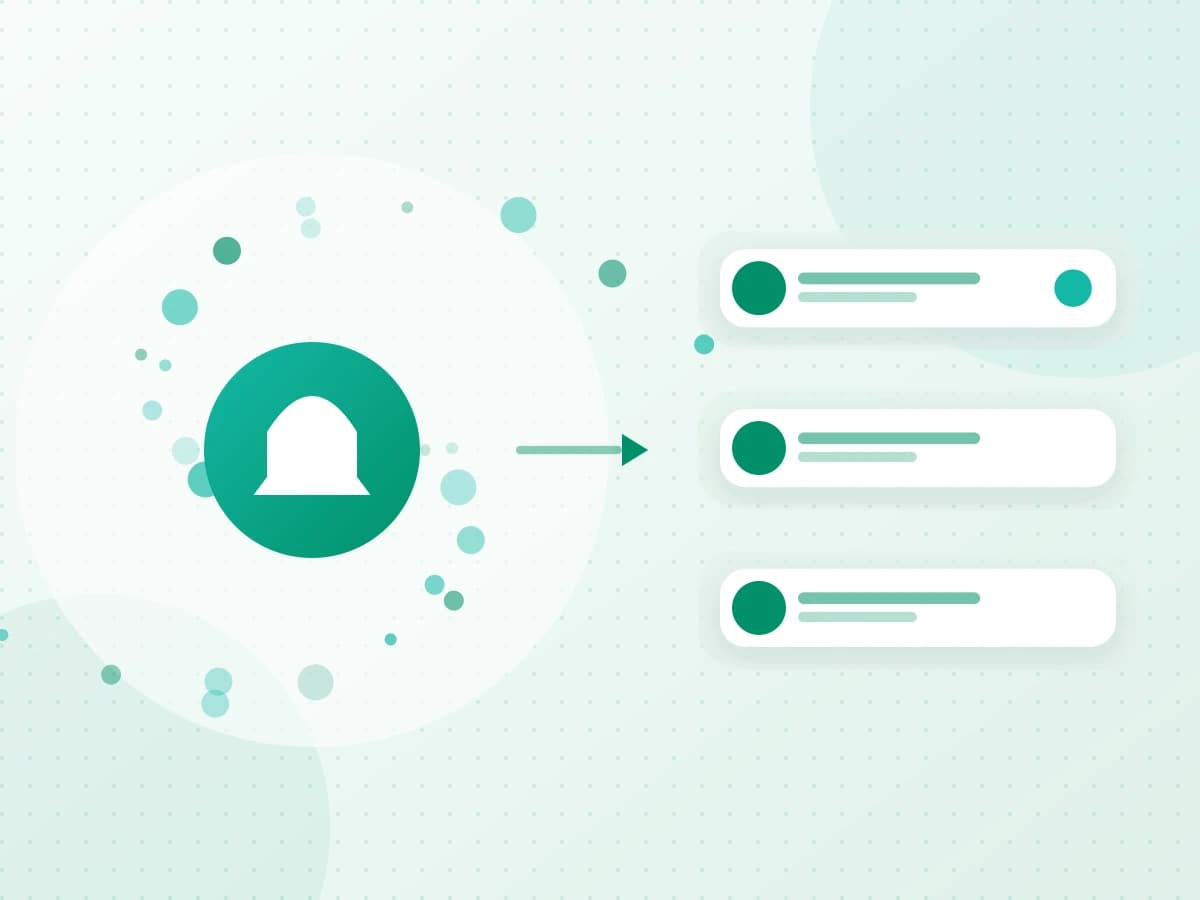
Client message workflow
How to Stop Missing Client Messages Across Apps
More notifications do not create a reliable follow-up system. Organize around the client, decide the next state and preserve a route back to the source conversation.
- Publication date
- Published
- Reading time
- 2 min read
- Author
- Linkrium Editorial Team
On this page5 sections
Start with an inbox inventory#
List every messaging and email account you checked during the last week. For each one, record who contacts you there, the expected response time, the consequence of missing a message and whether the account can be connected safely.
This exposes the real risk. A rarely used app with one high-value client can matter more than a busy group chat.
Give each conversation a state#
Use reply, waiting, dated action, reference or done. Unread is temporary input, not a permanent state. When a message requires work later, create a specific task and keep a route back to the person and source conversation.
| Weak reminder | Better action |
|---|---|
| Leave the chat unread | “Send revised quote to Alex by Tuesday” |
| Star every client | Set a review date only when a next move exists |
| Copy the whole message | Keep a short action linked to the source context |
| Trust notifications | Review a durable task or calendar view |
Use a recovery test#
Pick a synthetic client on two supported accounts. Send different details through each one, search by person, locate both details, reply and create a dated task. Reopen the source conversation from the task. This tests retrieval and follow-through rather than the appearance of a combined inbox.
Build fallback rules#
No aggregator is a guaranteed emergency channel. Keep the native apps available, watch connection-health warnings, verify delivery for important replies and agree on a backup route for high-consequence clients. Preserve final decisions and documents in the correct system of record.
Where Linkrium helps#
Linkrium can organize synchronized messages by person, search available history and connect selected conversations to Tasks and Calendar. It cannot recover data a provider does not expose or reproduce every native feature. Check current compatibility before changing a client workflow.