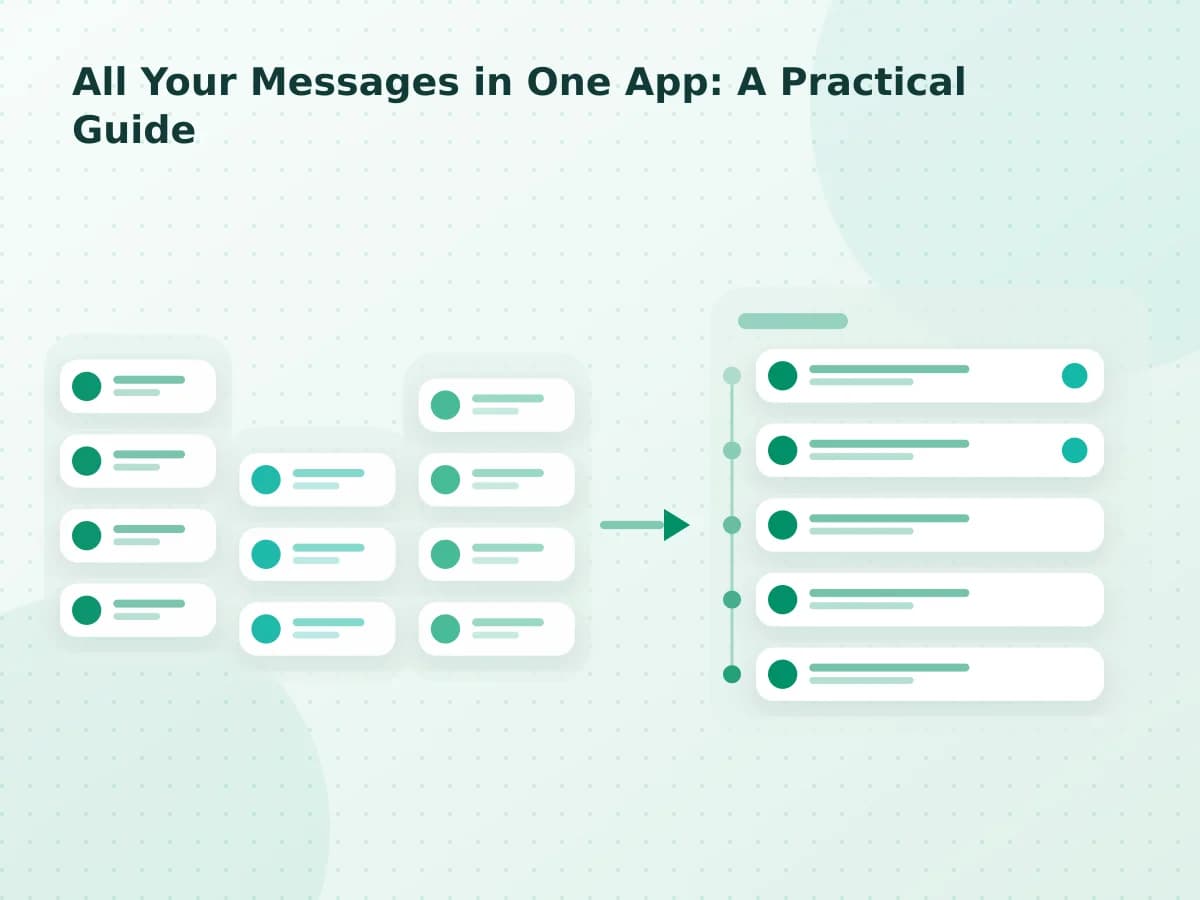
Messaging app checklist
How to Choose an All-in-One Messaging App: 9 Checks
The best all-in-one messaging app is not the one with the longest integration list. It is the one that reliably supports the conversations you actually need.
- Publication date
- Updated
- Reading time
- 6 min read
- Author
- Linkrium Editorial Team
Checked against first-party documentation on for Web, Desktop. Interfaces change and rollouts are staged, so confirm details in your own app version.
On this page11 sections
Choosing an all-in-one messaging app starts with your conversations, not a generic list of integrations. A product can support dozens of services and still miss the one account, history range, attachment type, or reply action on which you depend.
Start by comparing the native tools you would be consolidating. The WhatsApp versus Telegram guide shows why encryption defaults, cloud history, search, and device behavior should not be flattened into one generic integration label.
Use these nine checks with real but non-sensitive test conversations. Record the result and date, because provider access and product behavior can change.
Quick answer#
Judge an all-in-one messaging app on your own accounts, not on its integration list. Confirm that a new user can authorize the exact accounts you need today, then test sync depth, search, contact matching, replies, notifications, reconnection, security posture and export.
Record each result with the date you tested it. Provider access and product behavior change, so an evaluation without a date stops being evidence within a few months. The nine checks below are ordered so the ones that most often fail come first.
1. Confirm current account support#
Write down the exact accounts you need: provider, account type, country if relevant, and whether it is a personal or managed account. Then check the product’s current compatibility documentation.
Do not treat a logo, roadmap item, waitlist, or “coming soon” label as working support. Confirm that a new user can complete authorization and receive a test message today.
Linkrium's connection screen checks the live backend catalog, so it offers only the networks enabled in the current deployment.
2. Distinguish aggregation from tabs#
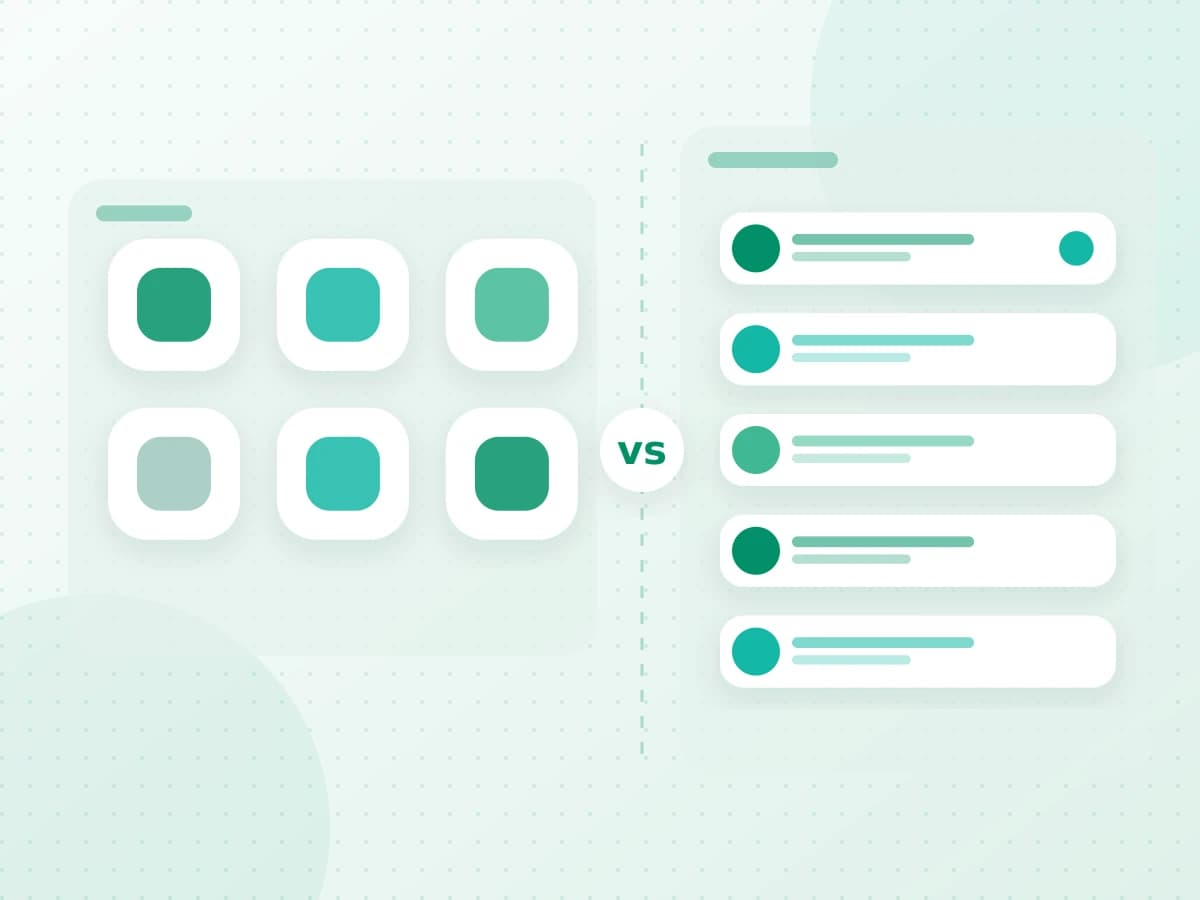
Some products place provider websites in one window. Others synchronize conversations into a shared data model. Both can reduce window clutter, but only the second approach can offer a true common queue, shared search, or contact timeline.
Decide which capabilities you need. If quick access to native interfaces is enough, a launcher or wrapper may require less account access. See unified inbox vs app launcher for the detailed trade-offs.
3. Test history and synchronization#
Connect one test account and look for:
- the oldest message successfully imported;
- the delay between provider arrival and inbox appearance;
- inbound and outbound direction;
- sender, recipient, and timestamp accuracy;
- attachment names and availability;
- warnings when synchronization stops.
An inbox can only organize the history it has received. If a provider limits backfill, keep the native app available for older content.
4. Check identity matching#
A person may use an email address, phone number, and several handles. A useful contact-based inbox can associate verified identifiers without erasing the source of each message.
Test both a correct match and a potential duplicate. You should be able to review the identifiers and correct a mistaken association. Automatic merging without an audit trail creates a serious context risk.
5. Verify search coverage#
Send a distinctive phrase to a test account, wait for synchronization, and search for it in the combined interface. Confirm that the result opens the correct contact and original message context.
Repeat for every supported provider you expect to search. Ask whether the search includes message bodies, contact names, attachments, archived items, and disconnected-account history. Do not assume that “global search” covers every field.
6. Send a reply through the intended route#
Reply to the test conversation and verify:
- which connected account was selected;
- which provider delivered the message;
- whether delivery or failure is visible;
- how attachments and formatting appear in the native app;
- whether the sent item returns to the shared timeline.
A unified composer does not remove provider rules. Templates, consent, recipient restrictions, size limits, rate limits, and outages still apply.
7. Review authorization and data boundaries#
Understand how every account connects. Common methods include OAuth, phone verification, linked devices, and provider-specific APIs or bridges.
Ask where connection material is stored, how access is protected, whether message content is used for unrelated purposes, and how to revoke authorization. Be cautious when a service describes every connected conversation as end-to-end encrypted without explaining what happens while the aggregator processes it.
The relevant questions are provider-specific. Start with the product’s security documentation, then verify revocation in the original provider account.
8. Test failure and recovery#
Disconnect a test account or revoke its authorization. A dependable product should show that synchronization stopped and provide a clear recovery path.
Check what happens to previously synchronized messages, pending replies, search results, and contact identifiers. Reconnect the account and confirm that the product does not create duplicates or silently skip the interruption period.
Also test account removal. Reconnection and deletion are different actions and should be documented separately.
9. Evaluate the daily workflow#
Use the product for a week with low-risk conversations. Measure behavior, not marketing claims:
- Did you check fewer separate inboxes?
- Were important sources still visible?
- Could you find earlier context faster?
- Did the shared inbox create duplicate notifications?
- Were provider-specific actions missing when you needed them?
- Did you understand which account would send every reply?
A tool that passes a feature checklist but adds uncertainty to daily replies is not a good fit.
A scorecard you can reuse#
Score every item from zero to two: zero for unsupported or unclear, one for partially working, and two for verified in your own test.
| Area | Score (0–2) |
|---|---|
| Required accounts connect today | |
| Shared inbox rather than tabs | |
| Required history synchronizes | |
| Identity matching is correctable | |
| Search covers required content | |
| Replies use the intended route | |
| Security boundaries are specific | |
| Failure and recovery are visible | |
| Daily workflow saves effort |
Do not choose by total score alone. Treat account support, correct sender selection, security, and recovery as required checks. A failure in one of those areas can outweigh several convenience features.
For a broader explanation of the category, read all your messages in one app: a practical guide. When testing Linkrium, begin with one connection shown as available and expand only after the first workflow is clear.
Frequently asked questions
Does a longer integration list mean a better app?
No. What matters is whether your specific accounts work today, with the history range, attachment types and reply actions you depend on. A long list of logos can still miss the one account you actually need.
How do I test an app without exposing private conversations?
Run the nine checks with real but non-sensitive conversations, ideally a secondary account you control on both ends. That exercises authorization, sync, search and replies without putting sensitive history into a product you have not decided on.
How long should an evaluation take?
Plan for several days rather than one session. Authorization, initial sync, notification behavior and reconnection after a dropped session all show different problems, and some only appear once a connection has been running for a while.
What should make me reject an app immediately?
No written statement of what is stored and for how long, no working export or deletion, support claimed only as "coming soon" for the account you need, or a connection method that asks for credentials the provider does not authorize third parties to collect.
Official sources
The sources below support the platform behavior discussed in this article.