Messaging app comparison
WhatsApp vs Telegram: Privacy, Search, Groups, Files, and Devices
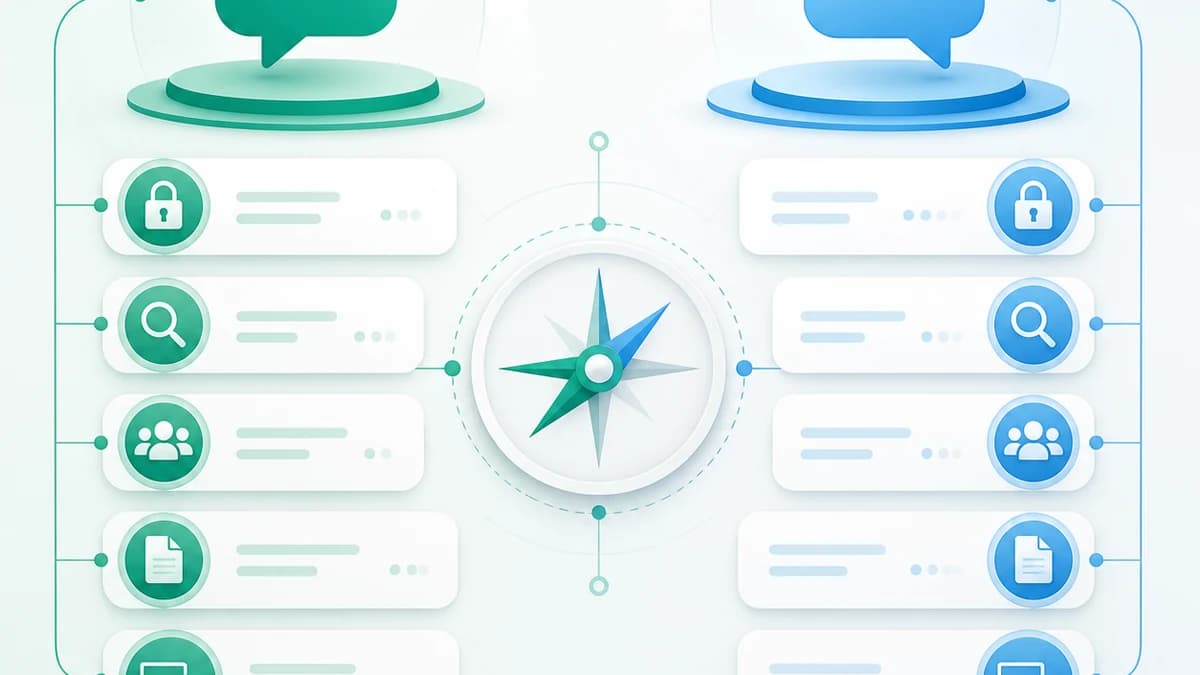
WhatsApp and Telegram both handle everyday conversations, groups, calls, and files, but their default privacy models, storage architecture, search tools, and multi-device behavior are meaningfully different.
- Publication date
- Published
- Reading time
- 10 min read
- Author
- Linkrium Editorial Team
Checked against first-party documentation on for iOS, Android, Web, Desktop. Interfaces change and rollouts are staged, so confirm details in your own app version.
On this page14 sections
The most important difference between WhatsApp and Telegram is not the color of the interface or the length of a feature list. It is the default architecture of an ordinary conversation.
WhatsApp says personal messages and calls are end-to-end encrypted by default. Telegram’s ordinary private and group conversations are cloud chats designed to synchronize across devices; Telegram reserves end-to-end encryption for one-to-one Secret Chats, which are device-specific. That distinction affects convenience, recovery, search, and the threat model you should use.
Neither app is “best” for everyone. Choose the smallest set of tools that reaches the people you care about and provides a privacy model you can explain.
Quick comparison#
| Area | Telegram | |
|---|---|---|
| Default personal-message encryption | End-to-end encrypted | Cloud chat; not a Secret Chat |
| End-to-end encrypted special mode | Default for personal chats | One-to-one Secret Chats |
| Ordinary history across devices | Linked-device model | Cloud synchronization across clients |
| Device-specific private chat | Not a separate chat type | Secret Chats |
| Search organization | Global and in-chat search, date and media tools, chat filters and Lists | Cloud search with date, source and media filters; folders and source views |
| Inbox organization | Filters, Lists, pins, Favorites, archive | Folders with include/exclude rules, pins, archive |
| Communities | Groups and Communities | Groups, supergroups, channels, topics |
| Account discovery | Phone-number-centered | Phone number for account; usernames and privacy controls support discovery |
| Backup model | Device/cloud backup options, including optional encrypted backups | Ordinary cloud history synchronizes; exports and local copies serve different purposes |
| Best fit | Contacts already on WhatsApp and default protected personal chats | Multi-device cloud access, folders, channels, and powerful retrieval |
Feature limits and interface details change. Confirm current file limits, participant limits, Premium features, and regional availability inside the official apps before making a high-consequence decision.
Privacy and encryption#
WhatsApp’s default#
WhatsApp says personal messages and calls are protected with end-to-end encryption, so their content is intended to be readable only by the participants’ devices. Adding WhatsApp to Meta Accounts Center is optional and, according to Meta, does not change that protection for personal messages and calls.
End-to-end encryption does not hide everything. Participants can report, copy, forward, photograph, or export content. Devices can be compromised. Metadata and account information are governed by the service’s current privacy policy. A message being encrypted in transit does not make every recipient trustworthy.
WhatsApp backups require a separate decision. Meta offers optional end-to-end encrypted backups; verify that the option is enabled if your threat model requires it, and protect the backup password or key. A recoverable backup and an encrypted backup solve different problems.
Telegram’s two chat models#
Telegram distinguishes Cloud Chats from Secret Chats. Ordinary one-to-one chats, groups, channels, and Saved Messages are cloud-based so that history is available across connected clients. Telegram documents encryption between clients and its servers, but these ordinary cloud conversations should not be described as end-to-end encrypted Secret Chats.
Secret Chats are one-to-one, use end-to-end encryption, and are tied to the devices where they were created. They do not synchronize through Telegram’s cloud like ordinary chats. Secret Chats can support self-destruct behavior and other restrictions, but recipients still control their physical devices.
This is not a simple winner-versus-loser distinction. WhatsApp optimizes ordinary personal conversations around default end-to-end encryption. Telegram cloud chats optimize for access and search across devices, with Secret Chats available for a narrower one-to-one use case.
Questions to ask yourself#
- Do I need every ordinary personal chat end-to-end encrypted by default?
- Do I need the same complete history instantly on many devices?
- Am I willing to choose a special chat mode for sensitive Telegram conversations?
- Can I recognize whether a Telegram conversation is a Cloud Chat or Secret Chat?
- Are my backups, device locks, active sessions, and recovery methods protected?
Account identity and discoverability#
WhatsApp accounts are strongly associated with phone numbers. Privacy settings control who can see profile information, add you to groups, or call you, but sharing or revealing a number remains central to many WhatsApp relationships.
Telegram also requires a phone number for account registration, while usernames and privacy settings can let people find and contact an account without learning the number in ordinary use. That flexibility can be useful in public communities, but it also means you must review who can find you, call you, add you to groups, and see profile details.
On either service:
- Review privacy settings before joining public groups.
- Verify unexpected contacts through a known route.
- Enable the service’s additional account password or two-step verification.
- Review linked or active sessions regularly.
- Treat display names and profile photos as claims, not proof of identity.
Message search#
Telegram has a strong advantage when the priority is searching a large cloud history across devices. Its search supports content-type filters such as media, links, and files, and Telegram documents combinations of dates, sources, and keywords. Saved Messages also provides source-oriented views and Premium tags.
WhatsApp supports search across Chats and inside a particular conversation. Current versions provide media filters, and in-chat date search is available on supported surfaces. Chat filters make All, Unread, and Groups easier to reach. Its search is tied to the history available to the account and device.
Choose by your real retrieval pattern:
- If you remember a source, month, and file type, Telegram’s combined filters can be efficient.
- If you know the WhatsApp person or group, in-chat keyword and calendar search can be direct.
- If content was deleted, expired, never synchronized, or is unavailable to the current device, neither search engine is a recovery service.
Read the dedicated WhatsApp message search guide and Telegram Saved Messages guide for step-by-step retrieval.
Chat organization#
WhatsApp provides chat filters, custom Lists where available, pins, Favorites, archive, mute settings, starred messages, and a Groups filter. The system is approachable for people who want a few personal views without configuring complex rules.
Telegram folders support broader include and exclude logic. A folder can automatically contain contacts, non-contacts, groups, channels, or bots, while excluding muted, read, or archived chats. The same chat can appear in several folders, and folders synchronize across ordinary connected clients.
Telegram is usually more configurable. WhatsApp’s simpler Lists and filters may be easier to maintain. Complexity is only useful when you will keep the rules current.
Groups, communities, and channels#
WhatsApp Groups are designed around conversation among known participants. Communities can bring related groups together, and Meta has continued adding group events, reminders, announcement replies, member tags, calls, and media features.
Telegram supports groups and large community structures, discussion topics, public or private channels, bots, and broadcast-oriented discovery. A channel is not the same as a group: channels emphasize publishing, while linked discussions or groups support participant conversation.
Before joining a large community on either platform, check:
- whether your phone number or profile details are visible;
- who can add members or post;
- whether history is visible to new participants;
- how reports and moderation work;
- whether links and files come from trusted sources;
- how to leave and remove locally stored media.
Large participant limits are not automatically a benefit. A family plan and a public broadcast channel need different structures.
Files and media#
Both apps share photos, videos, voice messages, documents, links, and location-related content. Both have introduced larger file allowances over time. Current Telegram plan tiers can differ, and WhatsApp has documented sharing large files up to 2 GB in its product announcements.
Do not select an app from a maximum file-size number alone. Consider:
- whether the recipient can download the file on their connection;
- how long the file remains available;
- whether media is compressed;
- whether automatic downloads consume storage;
- whether a linked device has the same access;
- whether the file is safe to open.
Use a dedicated, backed-up storage system for the only copy of an important document. Chat storage is convenient distribution, not necessarily records management.
Multiple devices and history#
Telegram’s ordinary cloud chats are designed to synchronize to multiple connected clients. Signing into an official client normally makes the cloud history available, subject to account access and content availability. Secret Chats remain on their devices and are the major exception.
WhatsApp uses linked devices. Personal messages remain protected, and linked devices can operate with their own local session. The searchable history and timing of synchronization can differ from the primary phone, especially after a new link, restore, or transfer.
For both services, periodically review active sessions and remove devices you no longer recognize or control. A forgotten desktop session can be a more immediate risk than an abstract comparison of encryption protocols.
Backups, exports, and deletion#
WhatsApp offers device migration and backup workflows. The backup’s date determines what can be restored, and restoring can replace newer local history. Optional end-to-end encrypted backups require protecting a password or key that the provider may not be able to recover for you.
Telegram’s ordinary cloud history is attached to the account rather than restored from a phone backup in the same way. Telegram Desktop can export account data for personal use, but an export is a separate copy, not a mechanism that automatically restores deleted messages to the service.
On both platforms:
- deletion and archiving are different;
- disappearing or self-destructing content should not be expected to remain searchable;
- exports create sensitive copies you must protect;
- a recipient may retain content after it leaves your own view;
- account deletion is different from uninstalling an app.
Calls, everyday use, and accessibility#
Both services provide voice and video communication, but the people already using an app often matter more than a feature comparison. A technically ideal service is not useful if the person you need cannot or will not use it.
Check the actual devices, network conditions, accessibility settings, and contact habits involved. Test captions, font scaling, screen-reader labels, notification reliability, and call quality with the person who will depend on them.
Also consider interruption design. Telegram channels and large groups can generate enormous unread counts; WhatsApp groups can dominate personal notifications. Both provide mute and archive controls, but you must establish a review routine after silencing alerts.
Which app should you choose?#
Choose WhatsApp when:
- the people you need already use it;
- default end-to-end encrypted personal chats and calls are a priority;
- a phone-number-centered contact model fits your relationships;
- simple Lists, filters, groups, and linked devices cover your workflow.
Choose Telegram when:
- seamless cloud access across several clients is central;
- you value folders, powerful search, Saved Messages, channels, or bots;
- username-based discovery and public communities are useful;
- you understand that ordinary Cloud Chats are not Secret Chats and will choose Secret Chats where appropriate.
Use both when different relationships genuinely live in different places. If you do, assign each app a job and define which route is urgent. Do not send the same request through both merely because a reply has not arrived yet.
Finally, do not interpret this comparison as a claim that Linkrium currently connects either service. Linkrium’s connection screen is the source of truth for available connections. If you evaluate any combined inbox, use the nine-check all-in-one messaging scorecard and confirm account support before granting access.
Frequently asked questions
Is Telegram more secure than WhatsApp?
There is no responsible universal answer. WhatsApp applies end-to-end encryption to personal messages and calls by default. Telegram’s ordinary cloud chats synchronize through its cloud and are not Secret Chats; one-to-one Secret Chats use end-to-end encryption and are device-specific.
Which is better for finding old messages, WhatsApp or Telegram?
Telegram provides especially flexible cloud search with filters for date, source, and content type. WhatsApp supports global and in-chat search, content filters, and date search inside supported chats. The better choice depends on where the history exists and which clues you remember.
Can I use WhatsApp and Telegram on multiple devices?
Yes, both support multiple devices. Telegram ordinary cloud chats synchronize broadly across clients, while Secret Chats stay on their originating devices. WhatsApp uses linked devices and the history available to each linked installation.
Should I replace WhatsApp with Telegram?
Choose based on the people you need to reach and the privacy model you understand. Many people keep both: WhatsApp for contacts already there and default end-to-end encrypted personal chats, Telegram for cloud synchronization, large communities, folders, and flexible search.
Official sources
The sources below support the platform behavior discussed in this article.
- 1Meta: WhatsApp and end-to-end encryptionabout.fb.com
- 2Meta: End-to-end encrypted WhatsApp backupsabout.fb.com
- 3Meta: WhatsApp chat filtersabout.fb.com
- 4Telegram FAQ: Security, cloud chats, and Secret Chatstelegram.org
- 5Telegram Privacy Policytelegram.org
- 6Telegram: Search filterstelegram.org
- 7Telegram: Chat folders and archivetelegram.org
Keep reading

WhatsApp search guide
How to Search WhatsApp Messages by Date, Sender, and Media
Read
Telegram organization
How to Organize Telegram Chats with Folders, Archive, and Pins
Read
Messaging app checklist
How to Choose an All-in-One Messaging App: 9 Checks
Read
WhatsApp and Telegram
WhatsApp and Telegram in One Inbox
Read