Cross-channel search
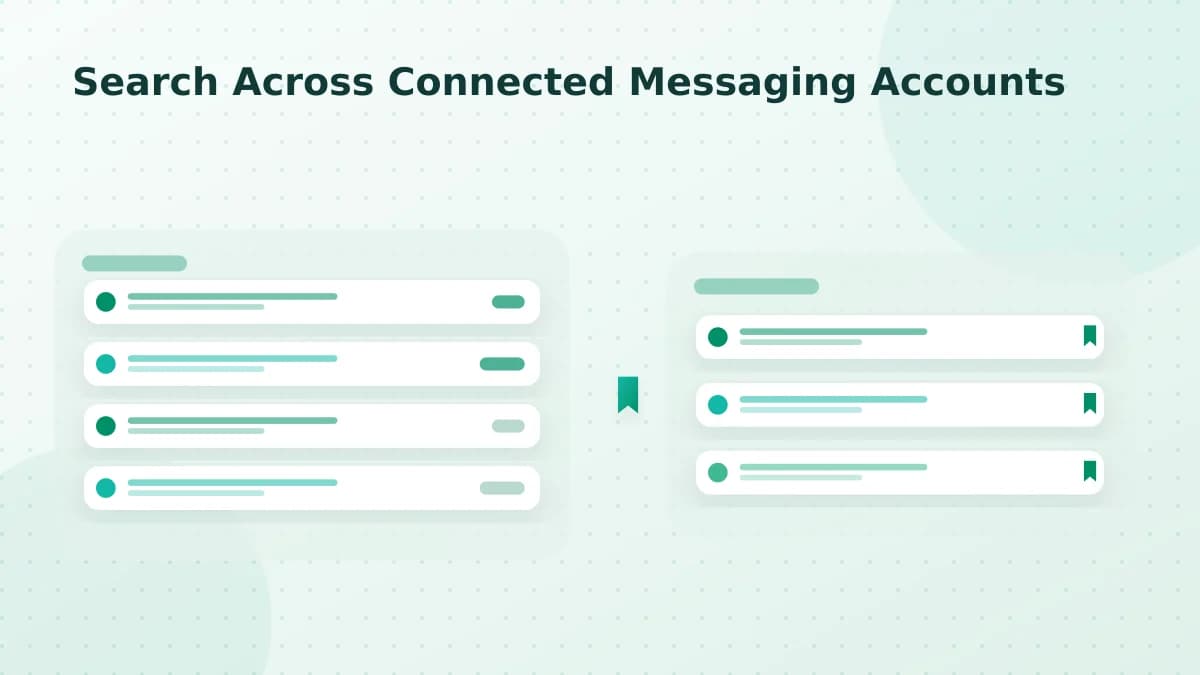
Search Across Connected Messaging Accounts
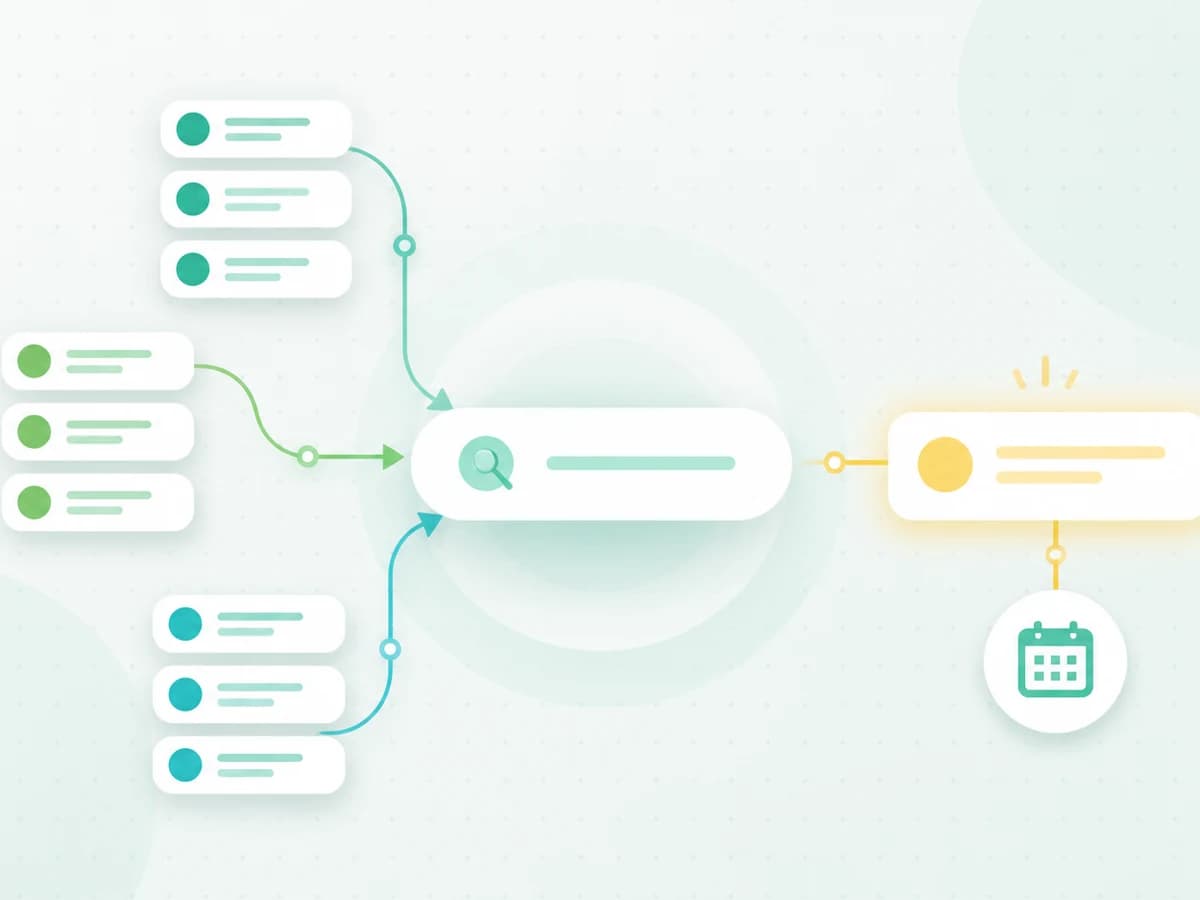
Search is only truly cross-channel when it covers content synchronized from at least two available connections and opens the original contact context.
- Publication date
- Updated
- Reading time
- 1 min read
- Author
- Linkrium Editorial Team
On this page3 sections
What unified search covers#
Linkrium search can query the messages and contacts successfully synchronized into the workspace. Results should retain the sender, source network, timestamp, and destination conversation so a matching phrase is not separated from its context.
Why results may differ from native search#
Provider history limits, backfill settings, disconnected accounts, unsupported attachments, deleted content, and indexing delays can all affect coverage. A missing result does not prove that the original provider no longer has the message.
Test before relying on search#
Use distinctive phrases in test messages on two available connections. Wait for synchronization, search each phrase, and open the result. Confirm that the correct contact and provider label appear.
Document the result date whenever search coverage is used for an important workflow.