Reminders and calendar
Follow Up on Conversations With Reminders and Calendar
A message becomes easier to act on when its follow-up has a deliberate date and remains connected to the conversation that created it.
- Publication date
- Published
- Reading time
- 2 min read
- Author
- Linkrium Editorial Team
On this page5 sections
From conversation to dated follow-up#
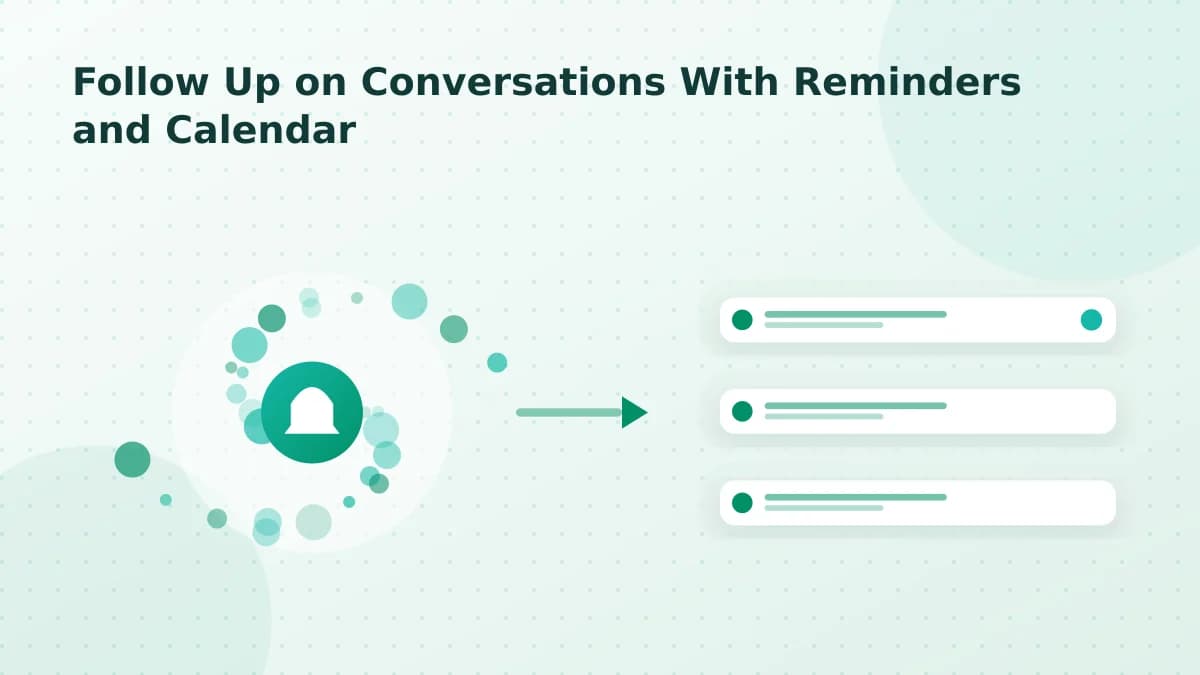
Create a task from the relevant message, add its deadline or reminder, and review the item in Linkrium's calendar. The calendar gives dated actions a second view; it does not change the provider's message delivery or create an appointment in an external calendar unless a separate integration explicitly says so.
Verify the complete flow#
- Create a test task from a synchronized WhatsApp, Telegram or Email message.
- Add a date and time using the timezone shown in the application.
- Confirm the same task appears on both the Tasks board and calendar.
- Open it from the calendar and return to the originating conversation.
- Change the deadline once and confirm both views agree.
This check matters because an attractive calendar is not proof that task state, timezone handling and conversation references remain synchronized.
Choosing a useful reminder#
Use a date that describes the actual next action: reply after receiving information, prepare for a call, revisit an unanswered question, or complete a promised deliverable. Keep the task concise and leave the message history as the source of conversational detail.
Limits to verify#
Browser notification delivery depends on browser permission, operating-system settings and the push configuration in the current deployment. A closed browser, revoked permission, network interruption or stale push subscription can prevent an alert. The calendar remains the authoritative in-product view even when an external notification does not arrive.
Troubleshooting#
If a dated task is missing, compare the selected timezone and date in the task editor with the calendar view. If the reminder is visible but no browser alert arrives, review notification permission and reconnect push notifications before changing the task itself.